
Foreign Income Summary
Foreign Income Summary
The Foreign Income Summary is located in the Data Navigator.
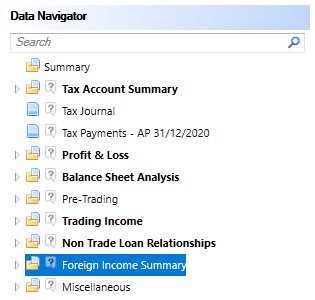
More than one Summary will be shown if there are multiple Accounting Periods within the Period of Account.
The descriptions in the summary contain links to the data entries.
Foreign Investment Income entries made are taken from the Foreign Income data entry pages. The claim for relief for Foreign Tax is shown here.
Overseas Property Business - The adjusted trading profit, and the Foreign tax paid will be automatically posted from the "Foreign Property Business. If there is an adjusted trading loss the income is shown as 0.
Overseas Trade - The adjusted trading profit and the Foreign tax paid will be automatically posted from the Overseas Trade. If there is an adjusted trading loss then the income is shown as 0.
Tonnage tax offshore training allowance offset The entry in the Foreign tax credit box is taken from the entry made on the form CT600F for the offshore training allowance.
UK trades - The entry made in the Foreign Tax credit box is taken from the Foreign tax paid for the Trade.
Foreign Income
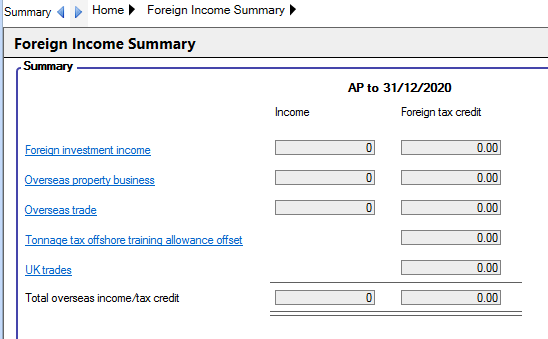
The Foreign Income input screen will display the information calculated from the entries in the detailed analysis inputs.
Foreign Income is located within the Foreign Income Summary section of the Data Navigator.

To access the detailed analysis, enter a Description and a Details hyperlink will appear in the Details column to access the detailed analysis.
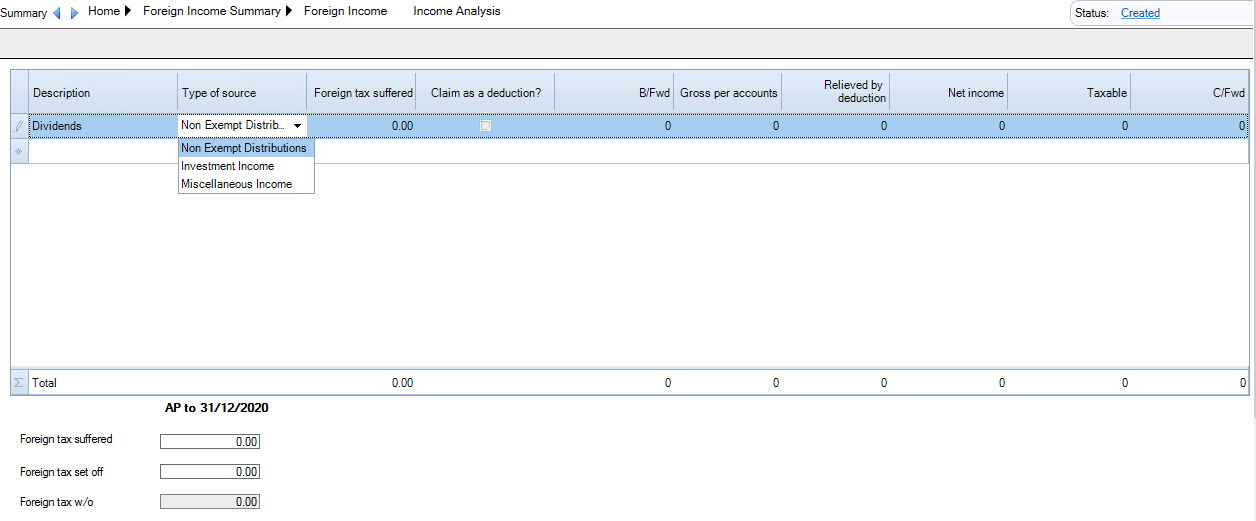
Description - enter a description for the source of foreign income
Type of source - select the Type of income received,either Non-exempt distribution, Investment income or Miscellaneous income
Foreign Tax suffered - enter an amount of foreign tax suffered on this source of income
Claim as a deduction - tick the box if the foreign tax suffered is to be claimed as a deduction against the income
B/fwd - enter an amount of income b/fwd from a previous period of account. This will be automatically populated when rolled forward from a previous period in CCH Corporation Tax.
Gross per accounts - enter an amount of gross income per the accounts
Relieved by deduction - this will be calculated by the system if you have selected to claim the foreign tax suffered by deduction.
Net income - Calculated by the system and is the result of Gross per accounts minus amount of foreign tax relieved by deduction minus C/fwd.
Taxable - enter an amount of foreign income deemed as taxable in the period.
C/fwd - enter an amount of income to be carried forward.
Once all rows of income have been completed, enter the total amount of Foreign tax Suffered and Foreign tax set off.