This section explains what happens when a client's period of account is in use by another user of the software. It also advises on how to unlock the period of account for editing.

Locked Company Tax Return and Group data

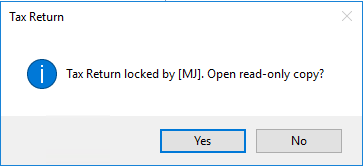
When you attempt to access a case that is currently in user by another user or has not been unlocked the following messages will be displayed.
clipboard_e83a56b7423742603fb467905e0b1363e.png

The client record will be opened but it will not be possible to change any data or information within the Tax Return or Group module.

The only actions that can be performed are viewing and printing the Tax Return, computation and viewing the current status of the Online Filing submission.

Unlocking Data

To unlock any case or Group:

Select File, Maintenance, Internal, Locking.

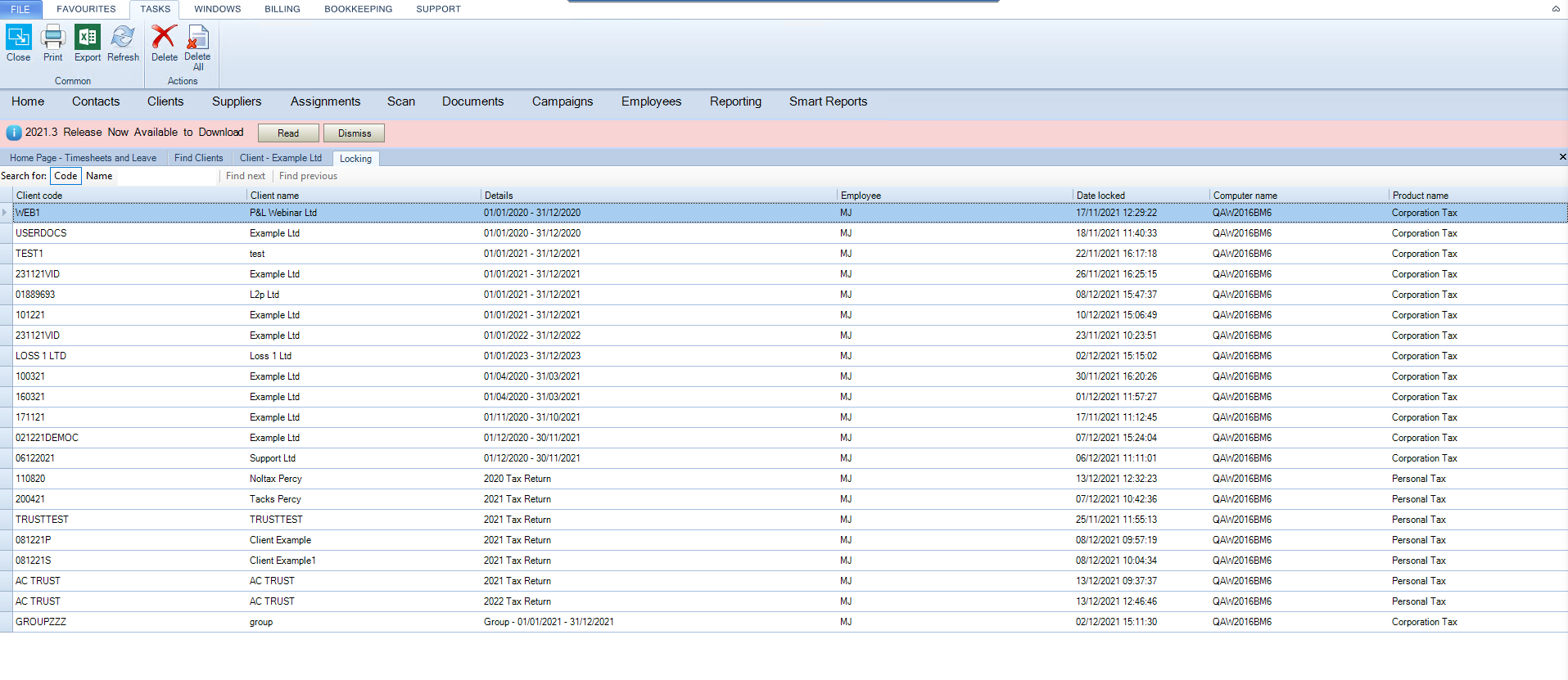
The following window will be shown displaying a list of client records that are locked for  products you are licensed for.

Highlight the entry and then press Delete to remove the lock for that case or Delete All to delete all locked cases.
clipboard_e55a66e5e27dc270b75ad40b1faa97293.png

Related documents

CCH Corporation Tax 2026.3: Release Notes
Release Notes for CCH Corporation Tax 2026.3
CCH Corporation Tax 2026.2: Release Notes
Release Notes for CCH Corporation Tax 2026.2
Getting Started
This document provides a quick start guide for using CCH Corporation Tax software. It outlines essential features such as the Data Navigator, which assists in completing clients' Returns, and the use of Breadcrumbs for navigation. Additionally, it explains the functions available in the Ribbon panel located at the top of the screen. Overall, the document aims to streamline the user experience by highlighting key tools and navigation methods within the software.
Non Trade Loan Relationships
This document outlines topics related to Non Trade Loan Relationships in corporate tax computations. It includes links to sections on Non Trade Loan Relationship Summary, Credits, and Debits, detailing how to input and summarize these tax-related items in the Data Navigator. Each section describes the process for entering data and how totals are summarized for reporting purposes. Additionally, it links to related topics like Foreign Income and Miscellaneous Income.
Document Publishing
This document outlines the options for electronically storing tax returns and computations using CCH Document Management and CCH OneClick. It emphasizes that access to these tools requires appropriate licenses and user rights. Users can publish tax returns and computations both in draft form for client review and at various stages in the submission process to HMRC. The document includes specific links to guides on how to publish documents using both systems.