
How To
CCH Conversions - Data categories and descriptions
CCH Central
Standing/Static/Core and Practice Management Data
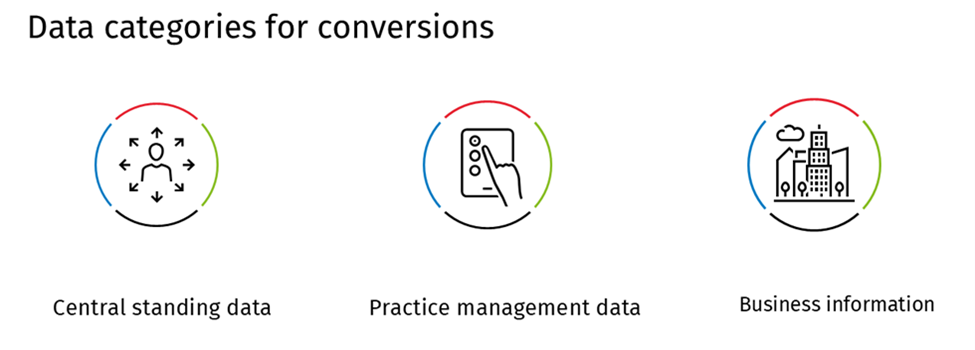
Standing/static/core data
Primary record and reference data for clients – individuals and organisations for example:
- Client code (unique), names, address, contact information, identification numbers ( UTR, NI)
- Contacts associated/connected with clients
- Option to include references to partner, office, Christmas card
- Employees – all staff who will use the system including charge out rates where applicable
Practice management data
- Standing data plus
- Client financial data: WIP and Debt – opening balances
Compliance data
- Compliance modules include Accounts Production, Personal Tax, Corporation Tax, Trusts, Audit
- Data import is available for customers transitioning from existing CCH modules, but no migration tools exist for non-CCH Personal Tax data
- Trial balance imports are available for Accounts production from any system
Document management
- Electronic documents from existing CCH systems, approved competitors or formal folder structure
This document offers comprehensive guidance on preparing and auditing your practice data Wolters_Kluwer_Tax__Accounting_UK-Client_data_audit_guidance.pdf
Related documents
Setting up users - CCH Central
This document provides a detailed guide on setting up employees in the CCH Central system to integrate with CCH Trust Accounts. It outlines the necessary steps for creating a new employee, including mandatory fields such as unique identifiers, personal details, and security group assignments. The document emphasizes the importance of specific access rights for CCH Trust Accounts users, particularly for preparing accounts and configuration purposes. Additionally, it includes instructions for adding extra security groups as needed.
Importing Data Services: New Customers
The document outlines data importing services for new customers transitioning to the CCH Central database. It details options for populating client and contact information, including self-service imports and professional services support. Customers can manage data quality through templates for import, thereby maintaining high integrity and facilitating a smooth transition. Additionally, the document discusses converting work in progress (WIP) and debt data, offering options for detailed transaction transfers or top-level balances. It emphasizes a seamless migration experience without system downtime, with support available for various data needs.
CCH Central Suite Update Guide (Latest Offline Version)
The document outlines the process for using the Central Suite Installer Offline (CSI Offline) for customers with specific IT requirements that prevent internet updates. It provides detailed instructions for installing updates to the Central Suite, including necessary prerequisites, folder structure, and the installation steps. Key points include ensuring Microsoft SQL Server is supported, confirming .NET Framework requirements, and the importance of backups before starting the update. The document also highlights the need for administrator rights, handling database upgrades, and checking for office plugin updates, particularly for users of CCH Document Management.
CCH Central Suite 2026.3 Update Guide
This guide explains how to update an existing install of the CCH Central Suite to the latest version 2026.3 (including Service Packs and Hotfixes) using the Central Suite Installer (CSI).
CCH Central 2026.3 Release Notes
CCH Central 2026.3 Release Notes