Upgrade process for KPI Monitoring

Introduction 

This guide explains how to update an existing install of the KPI Monitoring V10.x to latest release version. 
Full administration rights are required to successfully complete the update.
The instructions are  aimed at IT professionals and clear awareness of site architecture and configuration is required to complete the process. 

Preparation

KPI Monitoring latest release version is 10.6.4.  Verify the version that you are currently operating before proceeding

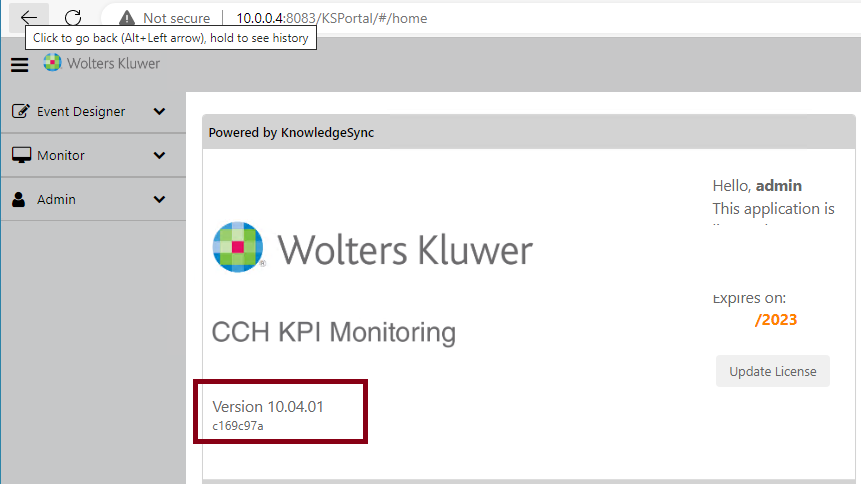
Log  into the Admin portal and check  the welcome page.
clipboard_efaed807750059f1757b38fa2e8986ba5.png

Confirm the version that you currently have installed.

Note: For versions lower than V10.4.0  please contact us (as the upgrade process requires further assistance.)  

Versions V10.1.0 or higher can be upgraded with following process.

Update Process

  1. If using SQL Management Studio, ensure that you an have up-to-date backup of KS_Epak, KS_Object, KS_Inbox databases.
  2. If available, power down the server hosting the KPI Monitoring Portal website and execute snapshot /backup of the server.
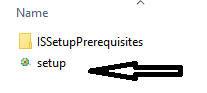
  3. Click here Download the latest release installer and then Unzip the file 
  4. Locate the setup.exe and launch the application on the server hosting the KPI Monitoring Portal
clipboard_ecf88d8001bef79eb9dbb5749ad22e771.png

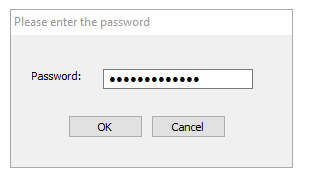
The installer is password protected. The password can be obtained from our support team please create a case ( login required)
clipboard_e3027ff8149c634ee78fd55436afbfc6c.png

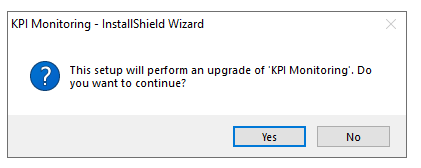
The installer will detect any previous version of KPI Monitoring residing on the server and alert you to perform an upgrade to be carried out.

Click Yes to confirm and continue.
clipboard_e901aa6da7840cd3231ce200cfd5f4287.png

Allow the installer to decompress and then click Next when prompted.
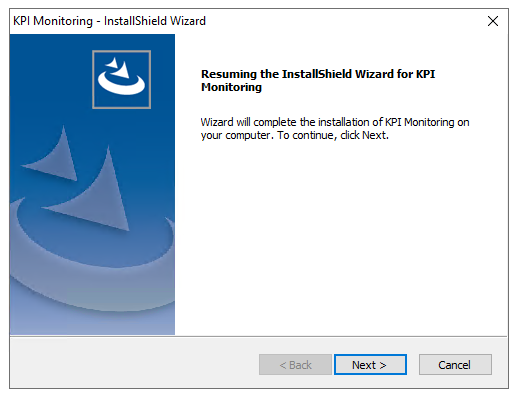
clipboard_ecec023c4dcfa4e226212ed7173533201.png

The Installer will then carry out the installation update to KPI Monitoring
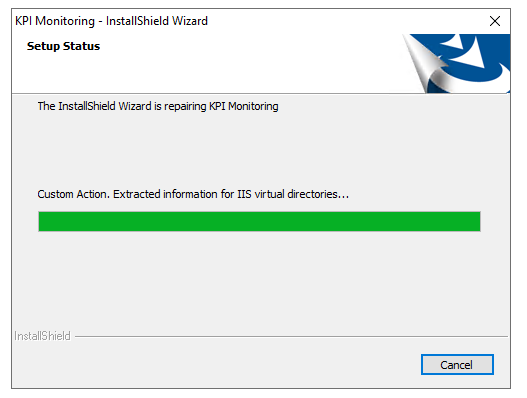
clipboard_e73f8184ce1261d9a13c0779cd1cd89b5.png

Once completed it will prompt you with a reminder that browser cache on your active profile needs to be refreshed prior to reloading the application.
Click OK.
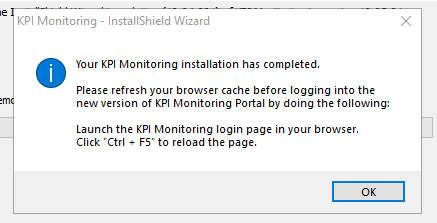
clipboard_ef0642af0fbbeae22858cab53d6808d8d.png


Then when prompted, click Finish to end the update process
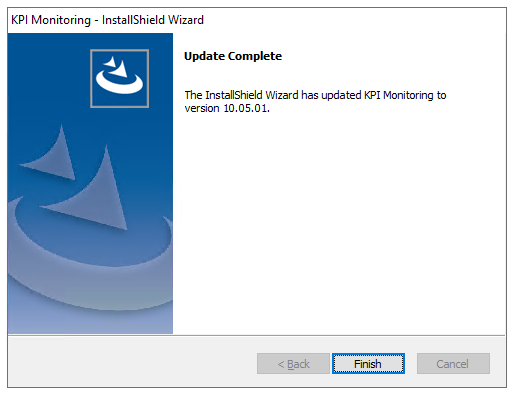
clipboard_e87a1b07ea8810f21552aaeb5b3a56201.png

Launch the browser of your choice: Google Chrome or Microsoft Edge are advised. 

Clear your browser cache as instructed in pop-up above

Log into portal direct via favorite or using the desktop icon

clipboard_ee4ece12400d459b8d2943c9a8e34cd6d.png

Verify that the Version number has been incremented accordingly, below is an example 
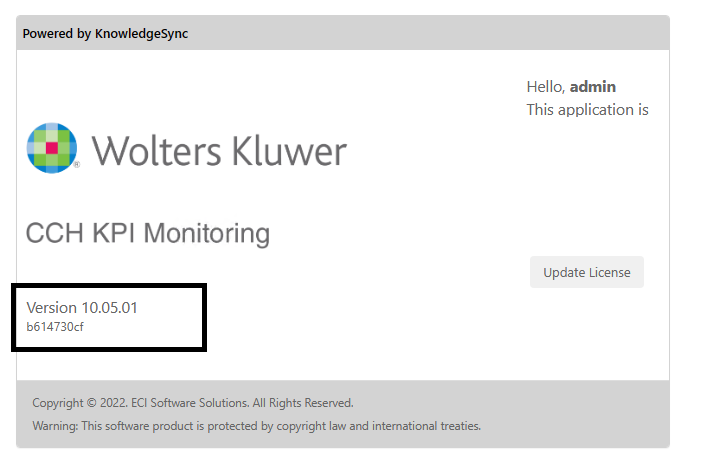
clipboard_e474948f3b4f96f541e1d2927271e81e5.png

This completes the update of KPI Monitoring

Related documents

KPI Monitoring: Terms and Conditions
What is CCH KPI Monitoring?
CCH KPI Monitoring is a Business Activity Monitoring software designed for accountants, automating redundant tasks and providing real-time business insights. It helps improve efficiency, minimize risks, and enhances decision-making by monitoring systems 24/7 and delivering customizable alerts for crucial business metrics. New features in version 10 include advanced alerting systems and reporting capabilities. The software allows firms to focus on growth by managing client-related information seamlessly. Additionally, case studies and an ROI calculator are available to demonstrate its effectiveness and potential benefits.
CCH KPI Monitoring : Administration
The KPI Monitoring Administration document details the functionalities of the KPI Monitoring Administration Module, which enables user access control, alert configurations, SQL Server reporting setup, integration with Exact Synergy, and holiday scheduling. It outlines the roles and user management system, including permissions for creating events and managing data access. The document also explains email, SMS, and report configurations, along with application settings for system diagnostics. Additionally, it covers linked servers for database connections, automated cleanup tasks, and provides guidelines for troubleshooting and technical support resources.
CCH KPI Monitoring: Generating and Delivering Reports, Forms and Documents
The document outlines the features and processes for generating and delivering reports, forms, and documents using KPI Monitoring. It details the capabilities of producing scheduled and triggered reports from Crystal Reports and SSRS without requiring installations on the monitoring server. Key points include the setup of report parameters, which types of data sources are compatible, guidelines for report generation and delivery, and methods for email and FTP distribution. It emphasizes the importance of designing triggers for data conditions and highlights the report creation process with examples, ensuring effective automation in business reporting.
CCH KPI Monitoring : REST API Triggers
This document outlines the use of the REST API trigger for event monitoring in the KPI Monitoring platform. It provides detailed instructions on creating new applications, defining Web APIs, and setting parameters for API calls, including authorization methods like OAuth 2.0. The guide elaborates on handling JSON and XML responses, filtering results, and combining parameters into a request body. Additionally, it covers advanced JSON use cases and how to utilize SQL for querying data. Overall, it serves as a comprehensive manual for technical users to effectively implement REST APIs within KPI Monitoring.