Maintaining User Roles
Each user is linked to a role, the role determines the user’s authorisation level in the accounting software.
Twinfield has several standard roles to offer a range of functionality and prices.
|
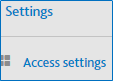
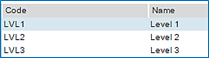
Click the settings icon, then select ‘Access settings. Select ‘Access settings. Select 'Roles' from the 'Roles' tile
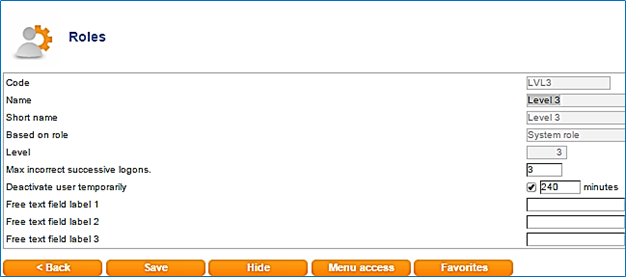
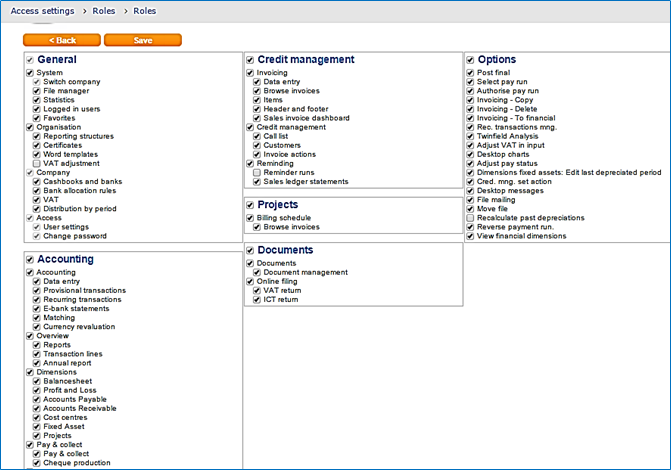
Click on an existing role to view the configuration Click on the ‘menu access’button to see an overview of menu options that users in this role has access to Menu Access options There are several predefined system roles which give access to various levels of functionality. A brief description of each role is given below. Level 1 Administrator Level 2 Full User Level 3 Bookkeeper/Controller Level 6 Reporting User (Read Only) Level Sales Sales invoicing |