
Tax Settings
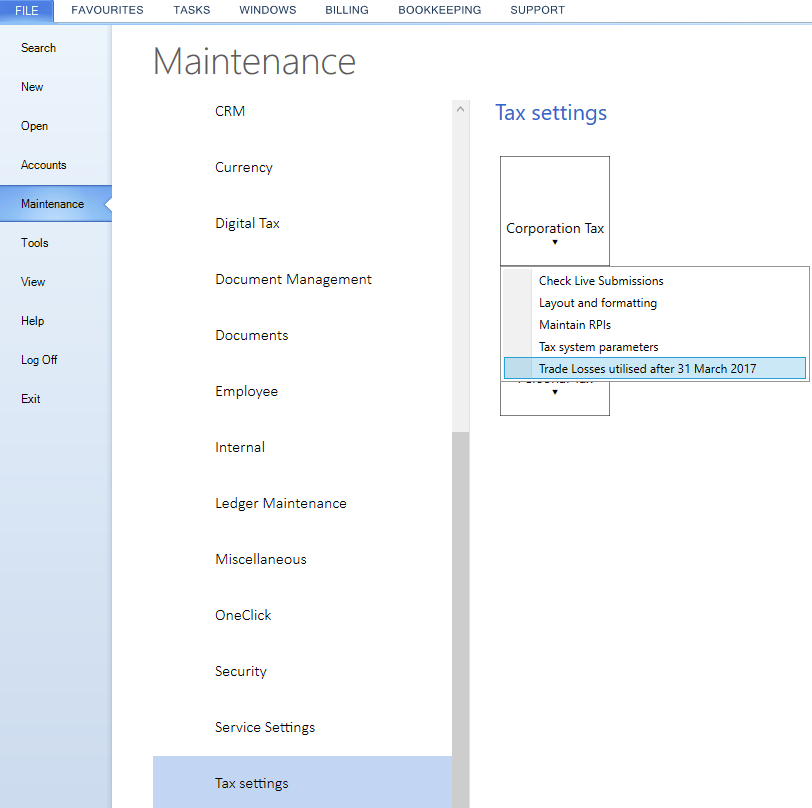
To access the Maintenance Corporation Tax settings area, select Maintenance, Tax settings, Corporation Tax.
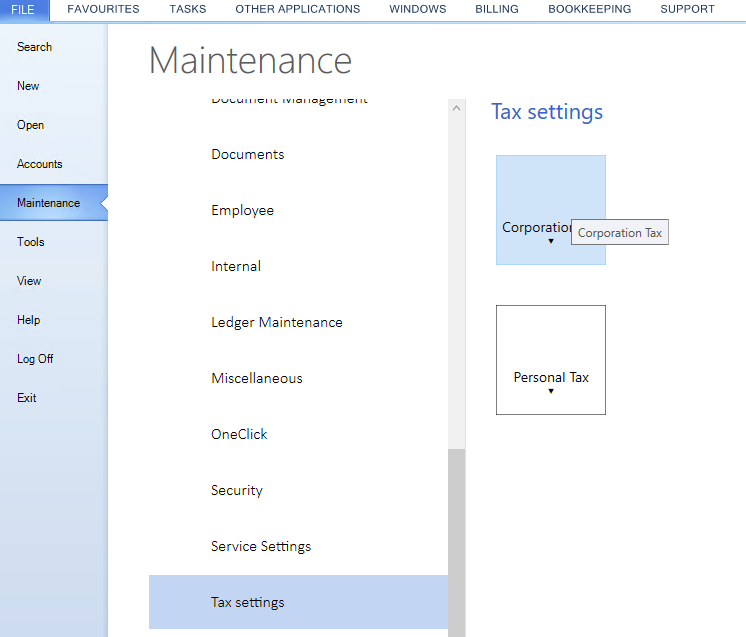
The Corporation Tax drop down menu has the following options;
- Check Live Submissions
- Layout and formatting
- Tax System Parameters
- Trade Losses utilised after 31 March 2017
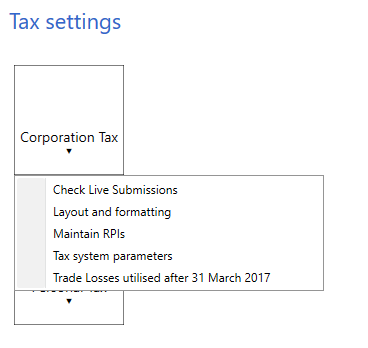
Check Live Submissions
It is possible to view the responses from live submissions within the Tax Settings area of Maintenance.
Select, File > Maintenance > Tax Settings > Corporation Tax > Check Live Submissions.
Details of the Client Code, accounting period start and end dates, Submission Data, Submission ID, Submission Type, Type of Response along with the Response and information can be grouped by dragging the column header as directed on screen.

Layout and Formatting
This feature enables you to display the Company's name and UTR at the foot the Form CT600 and supplementary pages. To access this option select area Maintenance, Tax Settings, Corporation Tax, Layout and Formatting.
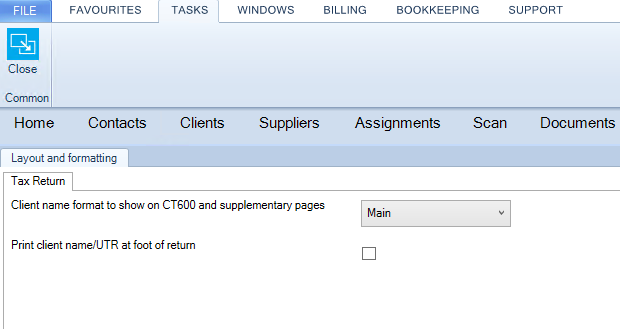
Select Main or Mailing name from the Client name format to show on CT600 and supplementary pages drop down menu. There is an option to flag Print client name/UTR at foot of return.
Click on OK to close the window and save the changes.
Tax System Parameters
This is a global setting that switches on the capability of CCH Corporation Tax to automatically update information from CCH Accounts Production to CCH Corporation Tax. Access to this area is only possible if system administrator has granted the specific task permission to your security group.
Global Setting
To enable this feature, check the box Update from CCH Accounts Production automatically.
To enable the link for each client and associated periods of account, select the Tax Links tab within each client record.
e Trade Losses Utilised after 31st March 2017 report shows trade losses utilised pre and post March 2017 along with trading and non trading profits and deductions allowance allocated.
Trade Losses Utilised after 31st March 2017
To access the Trade Losses Utilised after 31st March 2017 report, select File > Maintenance > Tax settings > Corporation Tax > Trade Losses Utilised after 31st March 2017.
The report displays the brought forward losses utilised when the accounting period commences after 31st March 2017.

The report can be exported to Excel by selecting Export to Excel. The Trade Losses Utilised after 31st March 2017 report shows trade losses utilised pre and post March 2017 along with trading and non trading profits and deductions allowance allocated.