
CCH Company Secretarial Integration 2024.2 : Release Notes
Prerequisites
This release is installed using the Central Suite Installer. This ensures that all prerequisites are in place and that all the products for which you are licenced are installed in the correct sequence. Click here to find out more about the Central Suite Installer.
Quality Improvements
Economic Crime and Corporate Transparency Act
To comply with the recent Economic Crime Act that came into force on the 4thof March the following changes have been made.
The main issue to address is the use of the Registered Email Address: After the 4th of March 2024, existing companies will need to give a registered email address when they file their next confirmation statement, and new companies will need to give a registered email address when they incorporate.
The registered office email address (example below) in Central will now sync with the registered email on the company record in Company Secretarial instead of the contract record.
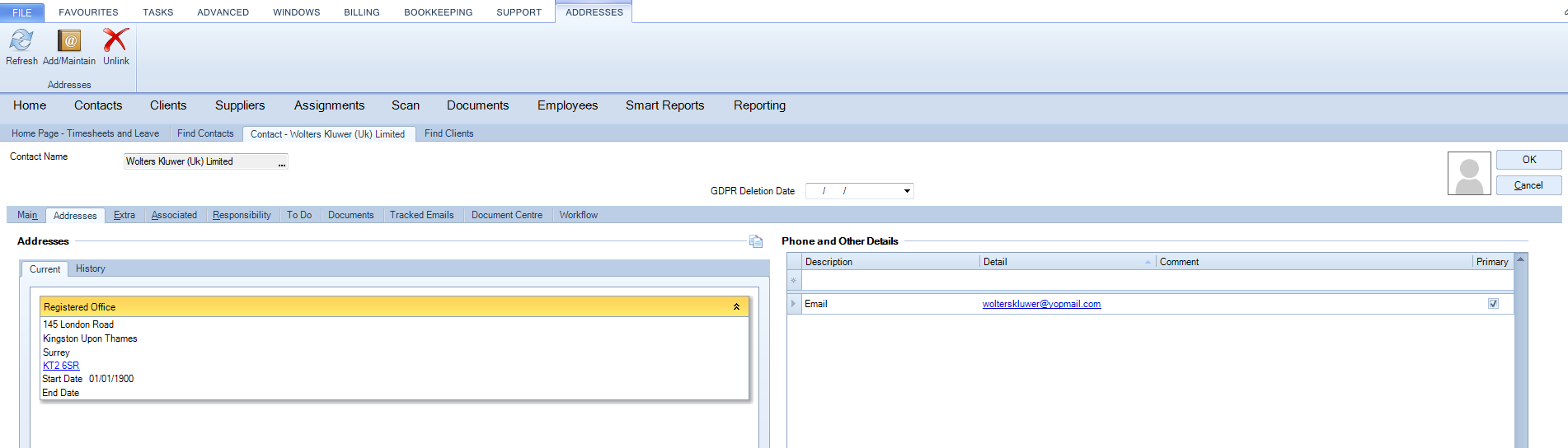
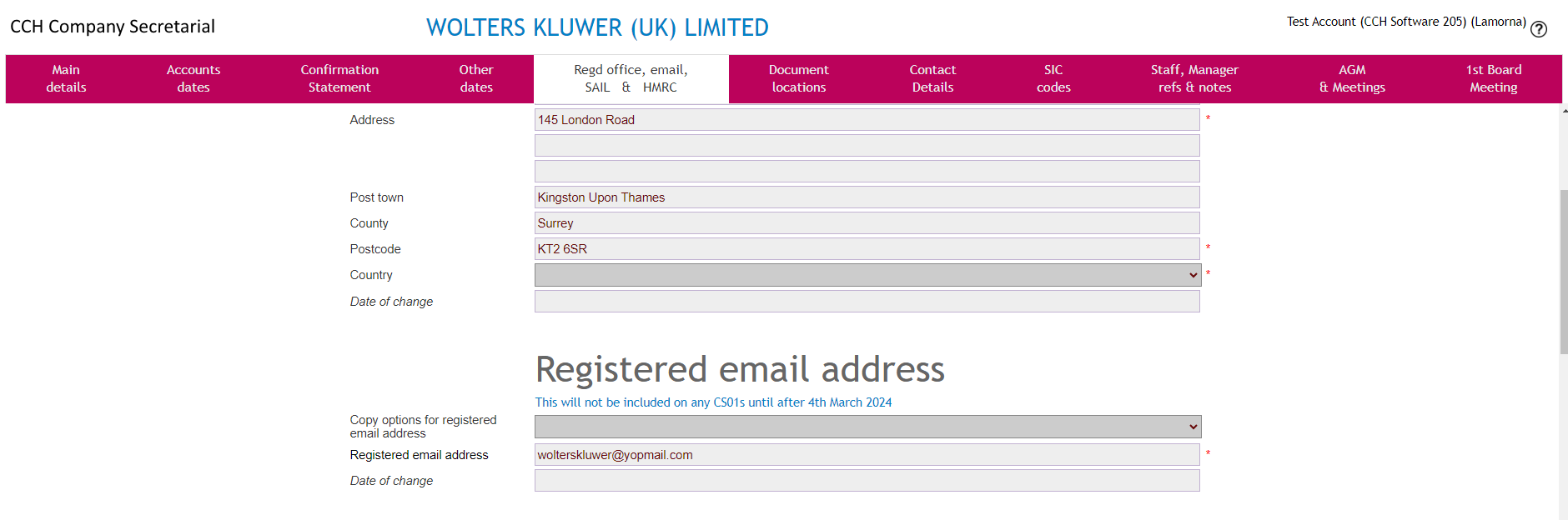
For more details on what to amend on Company Secretarial, the link below provides please click on the link below.
Legal Notice
Disclaimer : Wolters Kluwer (UK) Limited has made every effort to ensure the accuracy and completeness of these Release Notes. However, Wolters Kluwer (UK) Limited, its staff and agents will not be liable for any errors or omissions and use of the software is subject to the customer’s licence with Wolters Kluwer (UK) Limited. These Release Notes should not be relied upon as a detailed specification of the system or the software. Wolters Kluwer (UK) Limited may make changes to these Release Notes from time to time. This is provided for informational purposes only. The information reflected in this document may be changed or updated without notice. Wolters Kluwer (UK) Limited may also make improvements and/or changes in its products, practices, and/or programs described in this document at any time without notice. This document should not be seen as a contractual agreement, a modification or amendment of any existing contractual agreement with Wolters Kluwer (UK) Limited, or an indication of terms of service. All technical data, specification and other information contained in this document is confidential and the proprietary intellectual property of Wolters Kluwer (UK) Limited and/or its licensors. No reproduction, copy, alteration, or distribution thereof may be made without the express written consent of Wolters Kluwer (UK) Limited.
Copyright: These Release Notes may not be copied, altered, edited, disposed of, or distributed without the prior consent of Wolters Kluwer (UK) Limited. The content is confidential. Unless indicated otherwise all elements of this software product are owned by Wolters Kluwer (UK) Ltd. © 2026 Wolters Kluwer (UK) Limited
Trademark Rights: Microsoft, Windows, Windows NT, Windows for Workgroups, Windows 98, 2000, XP, MSDOS, Windows Vista, Windows 7, Windows 8, Windows 10, Windows Server, Microsoft SQL Server, and Microsoft Office, are either registered trademarks or trademarks of Microsoft Corporation. Novell and NetWare are trademarks of Novell Inc. Citrix MetaFrame is a registered trademark or trademarks of Citrix Systems, Inc. All rights reserved. All other trademarks are the property of their respective owners.
Wolters Kluwer (UK) Limited,Wolters Kluwer House, 145 London Road, Kingston Upon Thames, Surrey, KT2 6SR